Features
What's in StudioSim
A room with real acoustics, instruments to fill it, and a workstation to record and mix what happens in it.
A room you can shape, and hear
Everything is heard from where you stand and which way you face, rendered binaurally for headphones. The room is yours to change, and the sound changes with it.
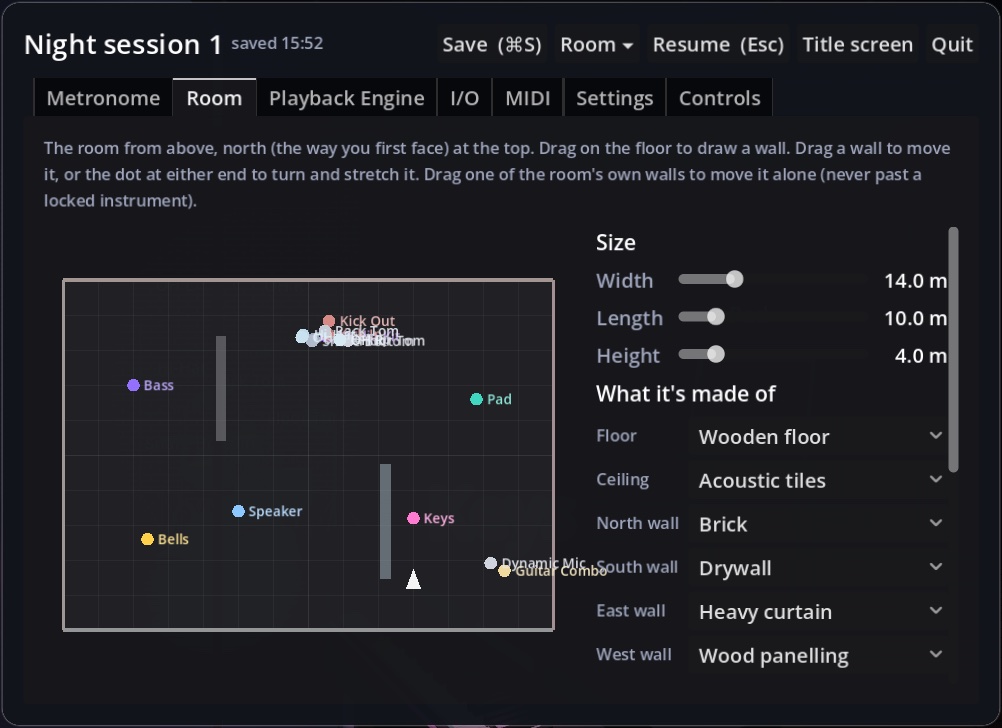
- Set the room's width, length and height, and draw walls on a floor plan.
- Choose what the floor, ceiling and each wall are made of: drywall, brick, concrete, wood, glass, heavy curtain and more. Each absorbs, reflects and lets sound through as the real material does.
- Sound bends round the edge of a wall, leaks through it, and reflects off every surface.
- The reverb follows the room's size and materials, on a fader of its own.
Pick one up and put it where you like
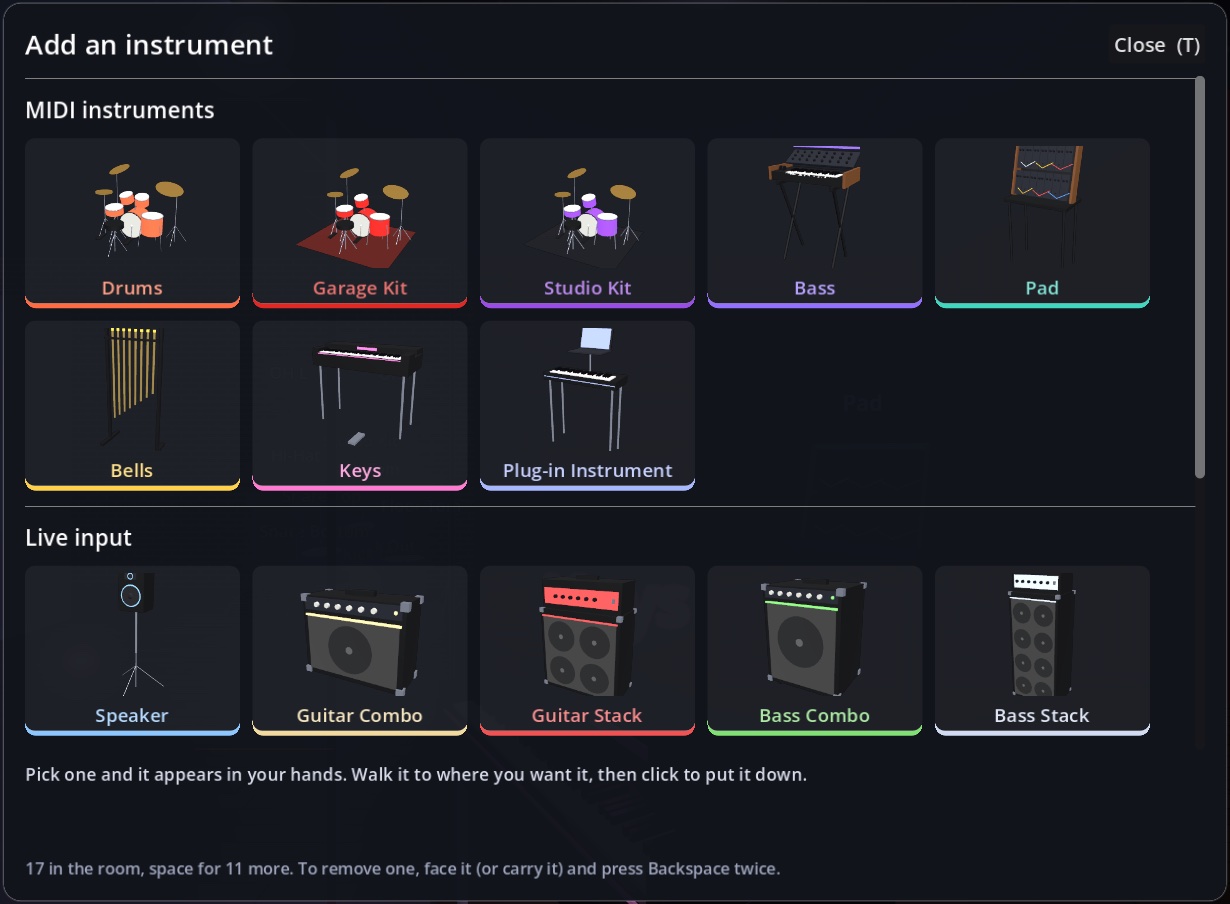
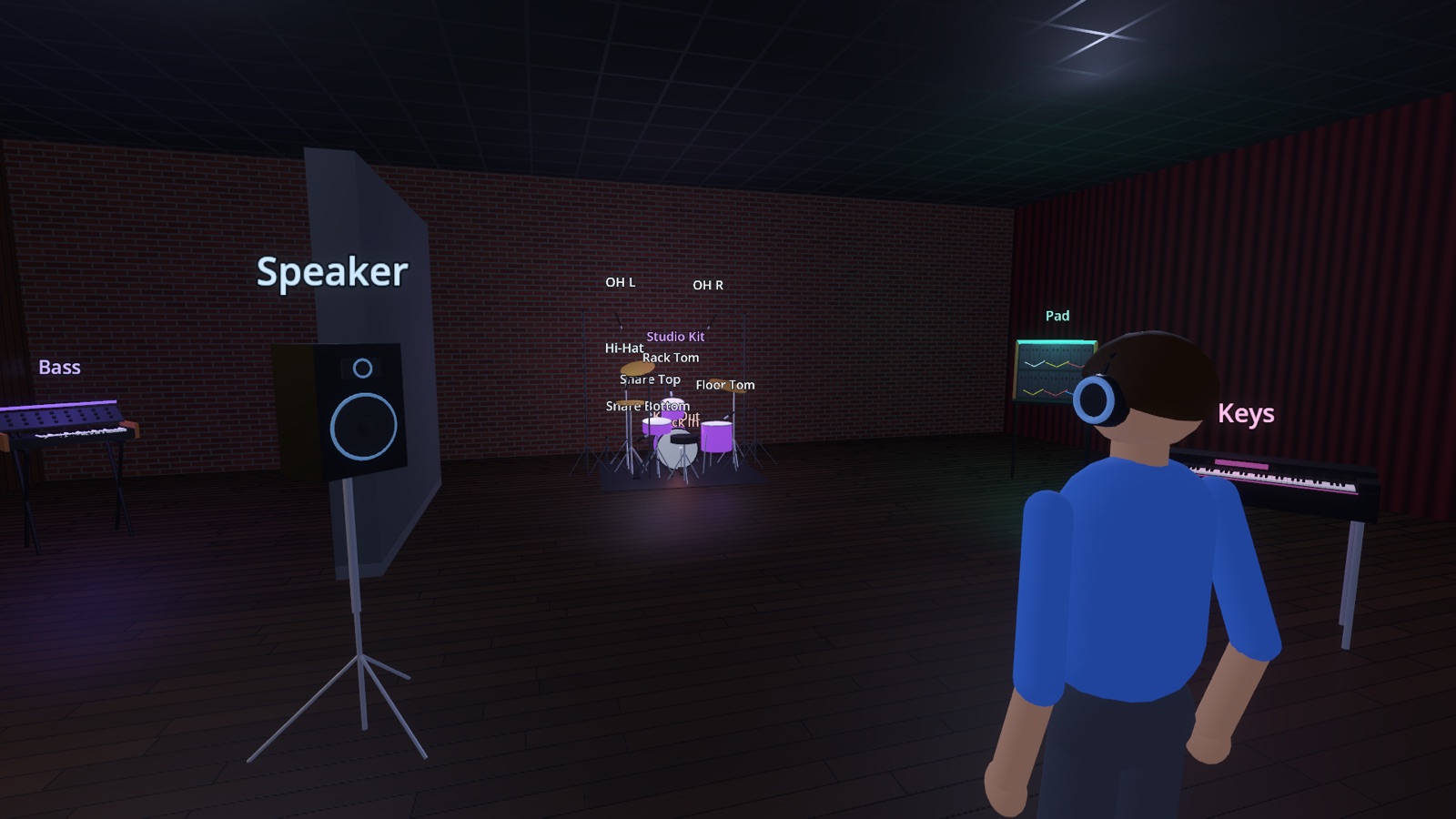
An instrument appears in your hands; walk it to its place and put it down. Where it stands is where its sound comes from.
- A drum machine and two acoustic kits, a bass synth, a pad, tubular bells and an electric piano.
- Play any of them from the computer keyboard or a MIDI controller, with velocity and a sustain pedal.
- Give each a looping pattern on a step grid, all in time to one tempo with swing and a metronome.
- A PA speaker plays any input of your audio interface into the room, or your computer's other apps through the audio bridge.
Patterns, or your own hands
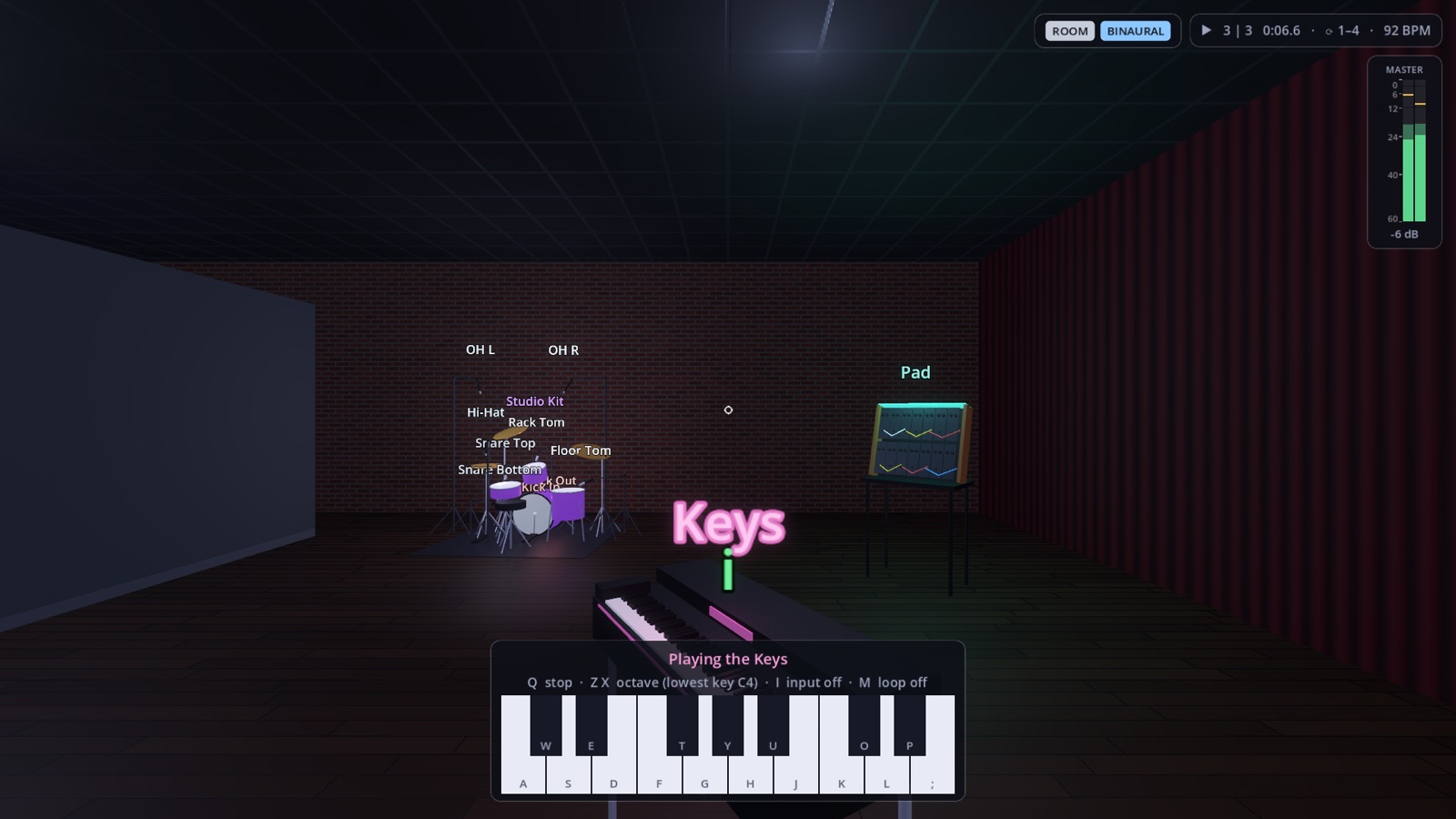
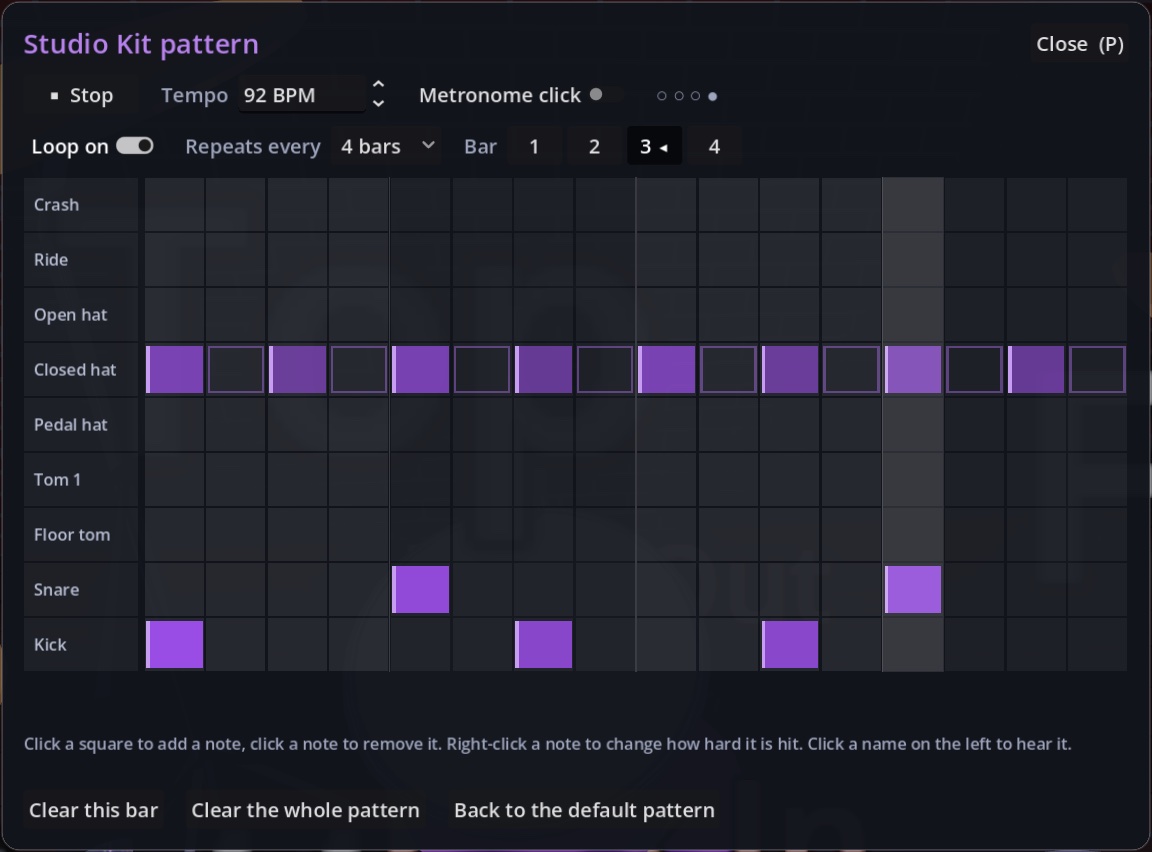
Sit down at an instrument and the letter keys become its notes, shown on a keyboard at the foot of the screen. Or open its pattern editor and click a groove in, a bar at a time.
Plug a guitar straight in
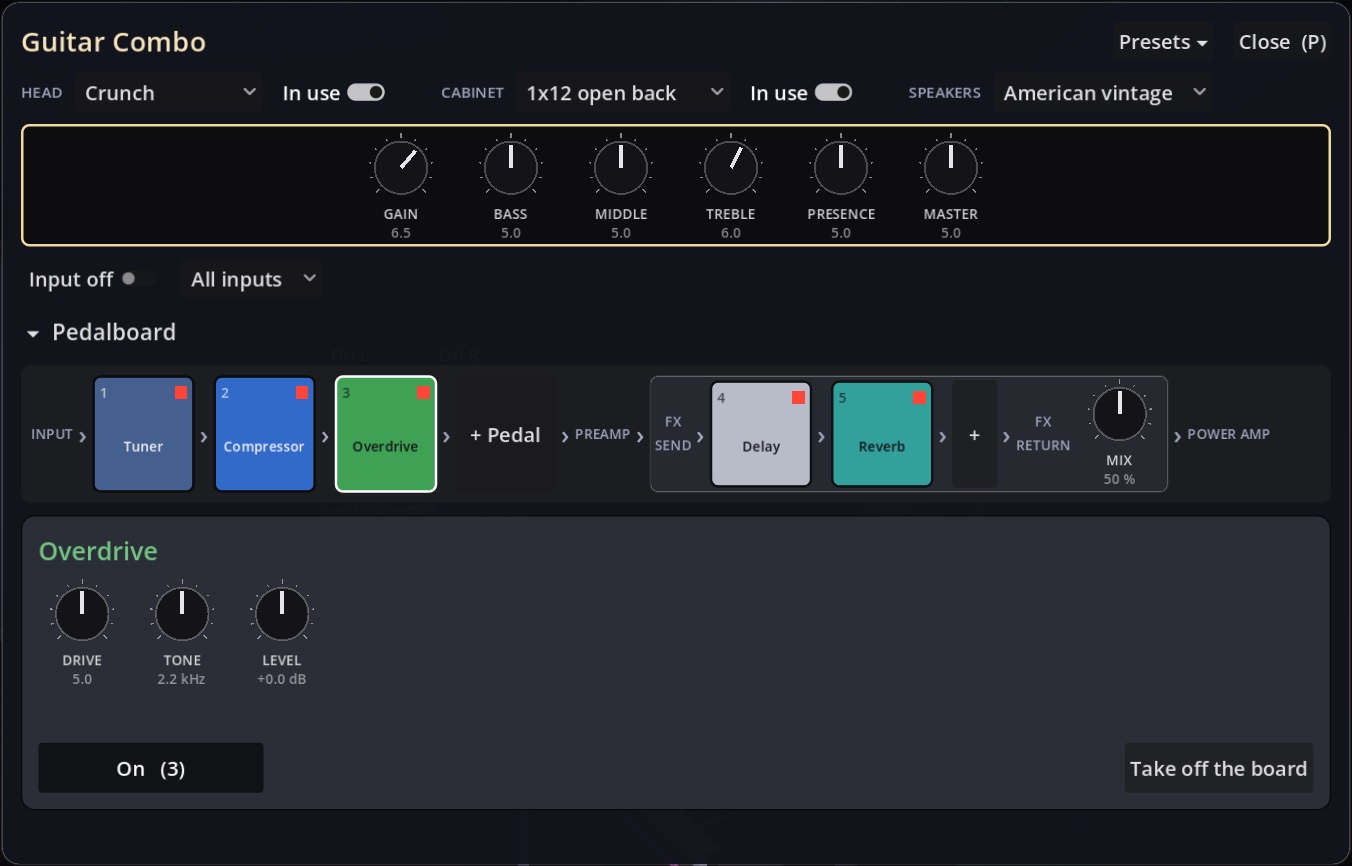
Guitar and bass amplifiers stand in the room like any instrument, and play what you plug into your interface.
- Five heads, six cabinets and seven kinds of speaker, in any combination, with a real amp's knobs.
- A pedalboard of up to eight pedals: tuner, gate, compressor, drives, modulation, delay and reverb, in front of the amp or in its effects loop.
- A loop pedal that records, overdubs and undoes, in time with the bars.
- Recording keeps the amp's sound, and its DI too if you ask, so you can re-dial the amp later.
Microphones that hear the room
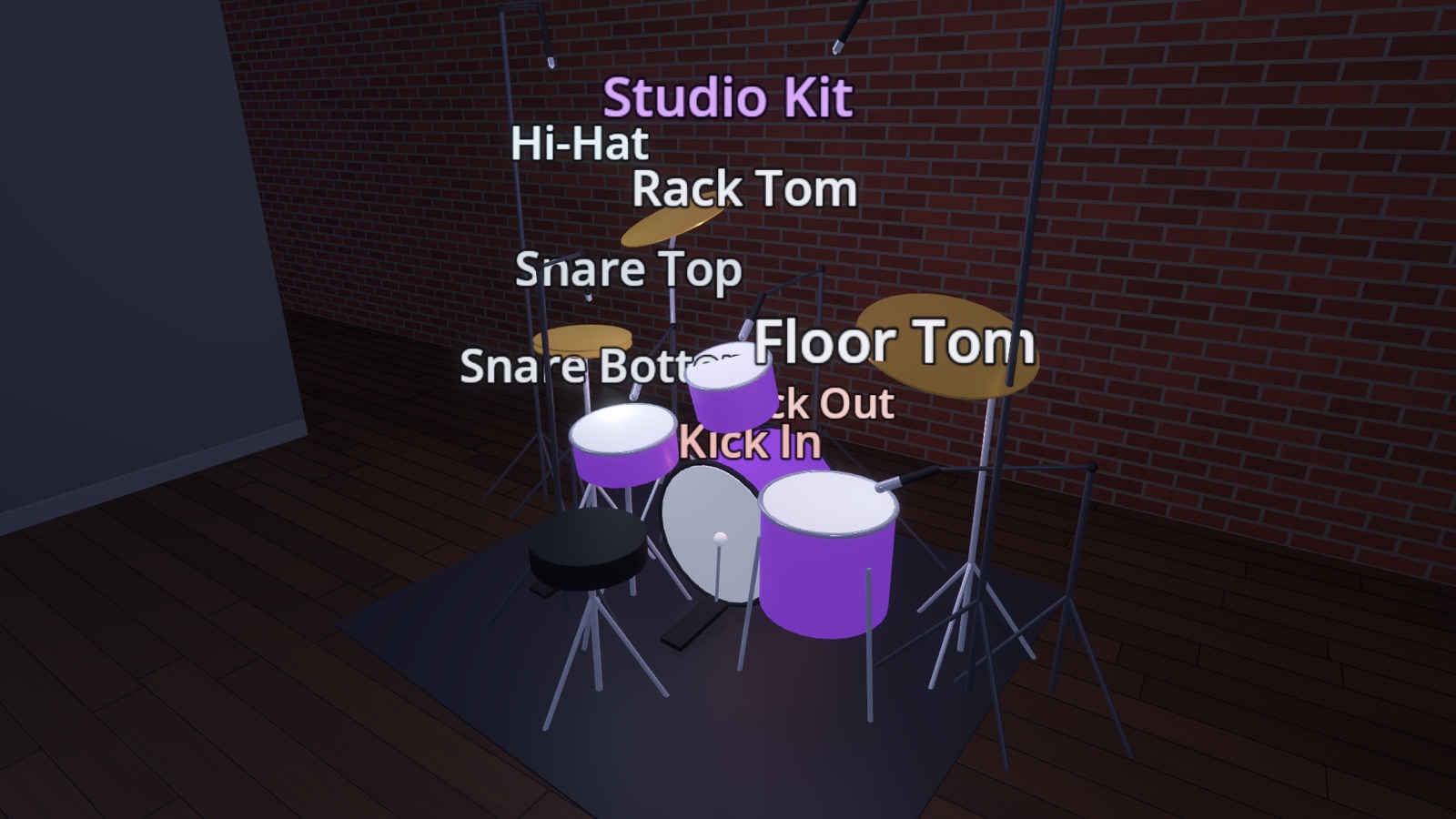
A microphone records what reaches it where it stands: the instrument it points at, the others bleeding in, and the room around them.
- Dynamics, condensers, a ribbon and a measurement mic, each with its own response, patterns and noise.
- Proximity effect close up, and a cone or a drum head sounding different across its width.
- Stereo pairs on one stereo track: XY, ORTF, spaced, Blumlein and mid-side.
- An acoustic kit miked in one go, from four mics to close mics, overheads and a room pair.
A timeline to record and edit on
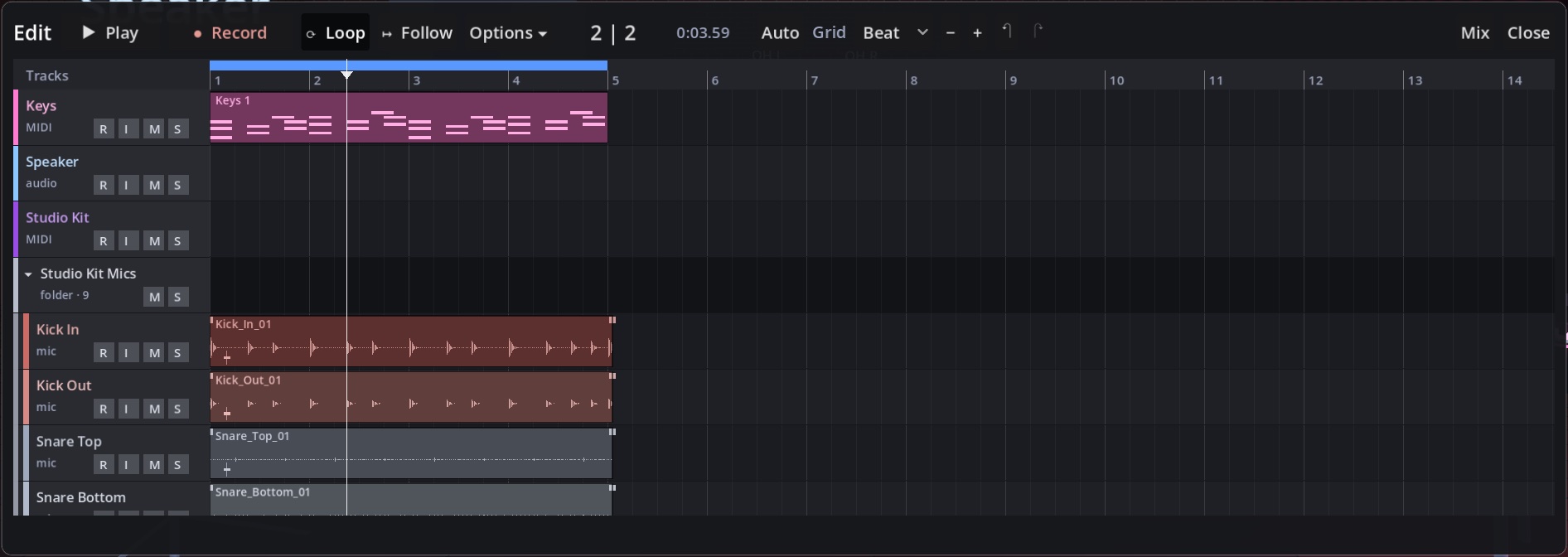
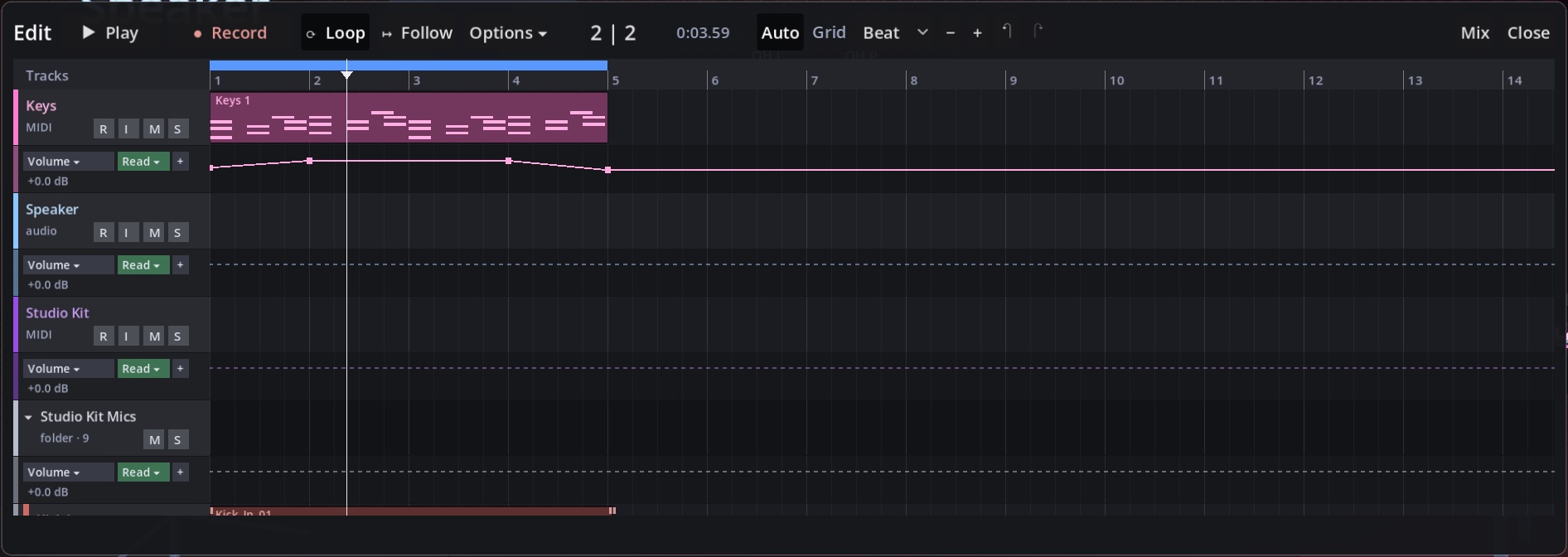
A Record room adds a timeline and an edit window, working the way Pro Tools users will know.
- Record audio and MIDI to clips, with a count-in, pre-roll and post-roll, and punching in and out.
- Loop Record stacks takes; comp the best parts of each into one.
- Trim, fade, crossfade, split, nudge and set the gain of clips, several at once, with undo.
- A MIDI editor for the notes, and audio read from disk as it plays, so long rooms stay light.
Automation, drawn or played
Show a lane under any track for its volume, mute or pan, an amp's knobs, a send's level or a plug-in's controls. Click points in, or write them as the music plays in Touch, Latch or Write.
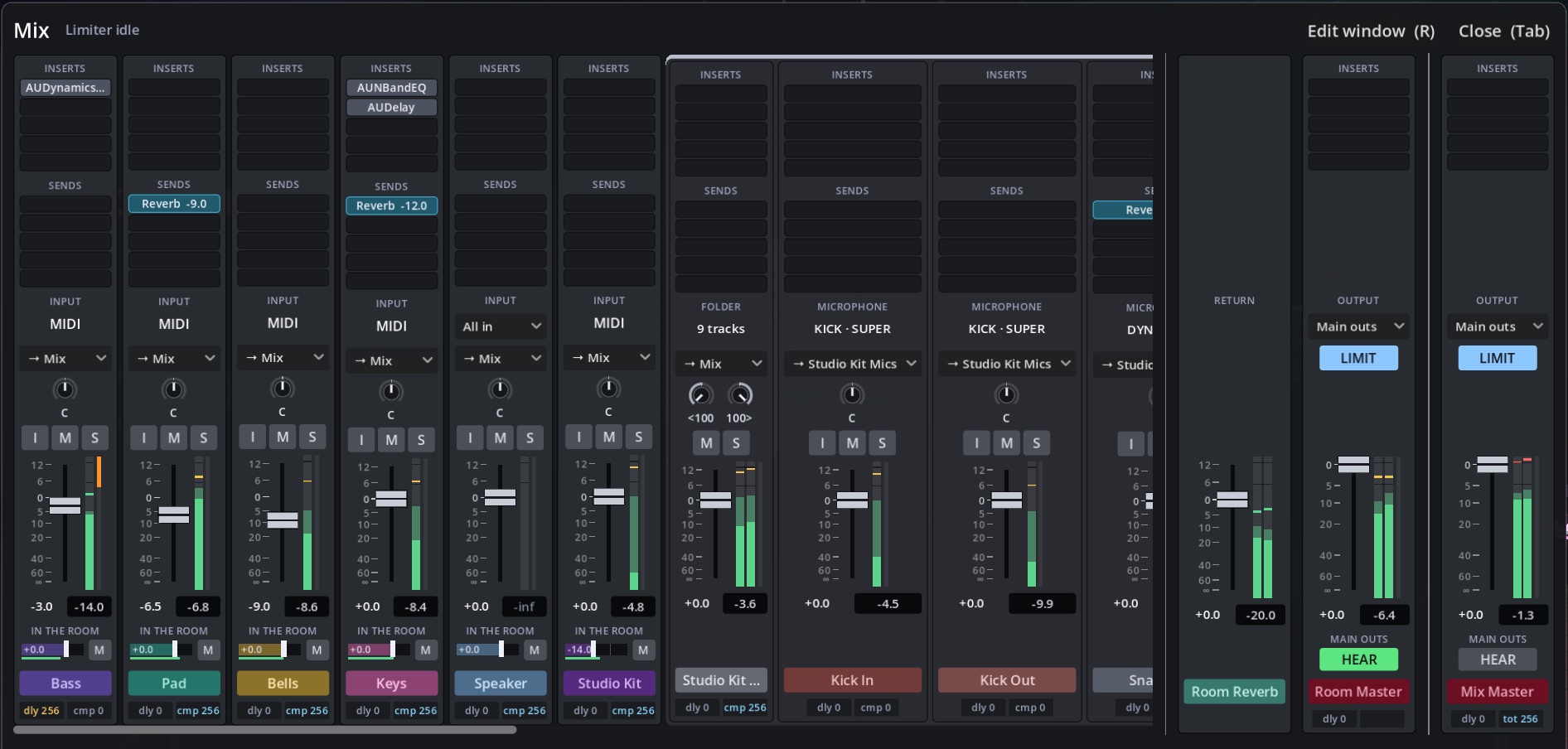
A mix window laid out like a DAW's
Every instrument and microphone has a channel strip, and you can still walk about the room while it is open.
- Plug-in inserts and sends on every channel, with pan, mute, solo and a meter.
- Routing folders, in folders too, and aux tracks, stereo or mono.
- Delay compensation for plug-ins that look ahead.
- Two masters: the room as the players hear it, and the mix of the tracks. Either one can be on your main outputs.
Your plug-ins, in the room
StudioSim hosts the plug-ins you already have: VST3 on macOS and Windows, and Audio Units on macOS.
Effects
On any channel's inserts, on an amp's pedalboard in front of it, or in its effects loop.
Instruments
An instrument plug-in stands in the room as an instrument, played and sequenced like the built-in ones.
Windows, presets, automation
Each plug-in's own window and presets, and its controls automated on the timeline.
One room, several players
Host your room and others join it, from a browser of rooms on your network and across the internet, or by address.
- Everyone has a body in the room and hears it from where they stand.
- Patterns stay in step on a shared clock, and live inputs and voices are streamed between players.
- The host sets a name, a password and what joining players may do.
- Record rooms record together: one transport, each player recording the tracks they arm.
And more
A tutorial
From the title screen, a card walks you through a room of your own, a step at a time.
Desktop audio
An audio bridge brings what your other apps play into the room, through a speaker or an amp.
Rooms as sessions
Each room is a folder with its recordings, with templates, auto-save and backups.
Your own keys
Every key can be changed, and the screen names them as you have them.
A free camera
Leave your body where it stands and fly about the room, hearing it as you go.
Your avatar
Your height, build, hair and clothes, seen by the other players.